Top 5 possible defects of an automated gate. How do we solve them?
Do you need help choosing?
Tell us what you need and we'll send you the offer on the same working day.
Although they seem invincible, with robust systems and hard material that can withstand even the harshest factors, Automated doorseither swing or sliding, can be metrarely, problems in operation.
There are no problems that will hit your head, but rather a maintenance that can be done by the owners for the proper functioning of the ports, without help from the specialists.
Here's our top of the most common problems that an automated gate can encounter:
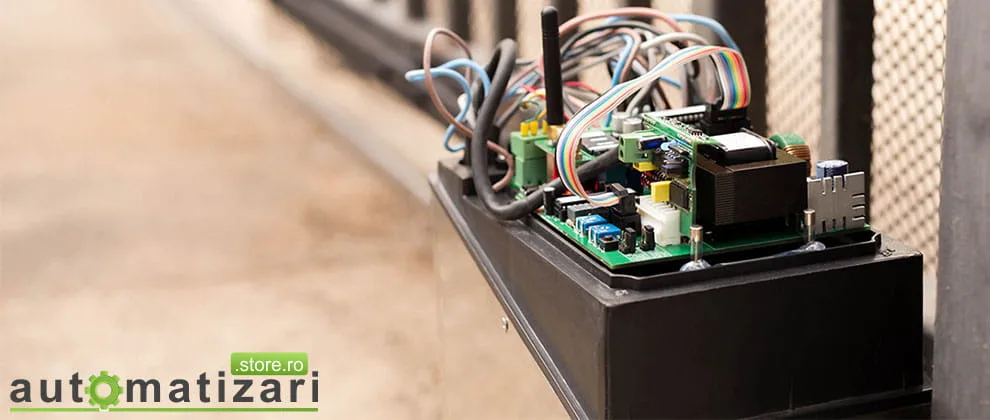
- Insects – both insectsAnd other lives that survive in our surrounding environmentI can become a problem that prevents the opening/closing of an automatic gate. Insects are attracted to heat, so we suggest you check from time to time, areas such as safety sensors, control panels and use a soft tent to remove them.
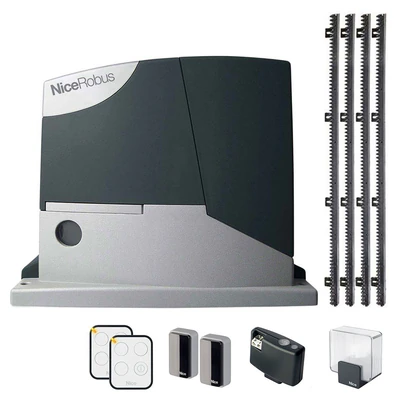
- Obstacles on the path of an automatic gate – a sliding gate is one of the most popular ways to open a gate due to the many advantages, but, when the automation engine is activated, there is a tendency like this meet obstacles That's blocking his path. On the rail it tends to gather leaves, sticks, stones or other obstacles that can cause the gate and engine to lock in the rails. That is why it is recommended that they should be separated within a certain period of time.
- Activation of the mode – occasionally you will need to activate the operation manually the gate because of certain factors: Current falls or neglect of the annual service. Until the power supply is restarted or the request of a technician is performed, it is recommended to activate the manual release mode for opening/closing the gate so that you do not put any pressure on the engine. We also recommend you make sure you have a manual release key and check from time to time, whether the manual mode works properly.
- Current feathers – Before you call the technicians, Make sure first time the power supply of the gate is switched on. If you have checked and the door engine still does not open/close doors, try another device at the power point to make sure you have power from the socket. If the device is working, it is recommended to put the engine in the manual mode and call a technician.
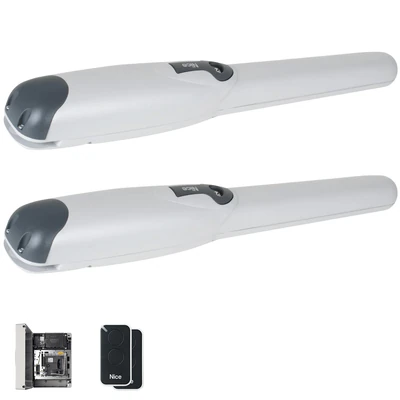
- Remote control of automation – these devices with which you operate the automation engine function on the basis of batteries. Most of them have a small (red) light indicating the opening/closing gate. When the light indicator of the remote control no longer blinks, this usually informs you that the battery needs to be replaced. If the light still does not blink once the battery has been replaced, in most cases this informs you that the remote control has passed from the use after the time and needs to be replaced.
There are no reasons to worry about it, but it is appropriate to know about their solutions if you meet with any of them. For cases where the problem no longer has your intervention, our department of automation service is prepared for different situations.