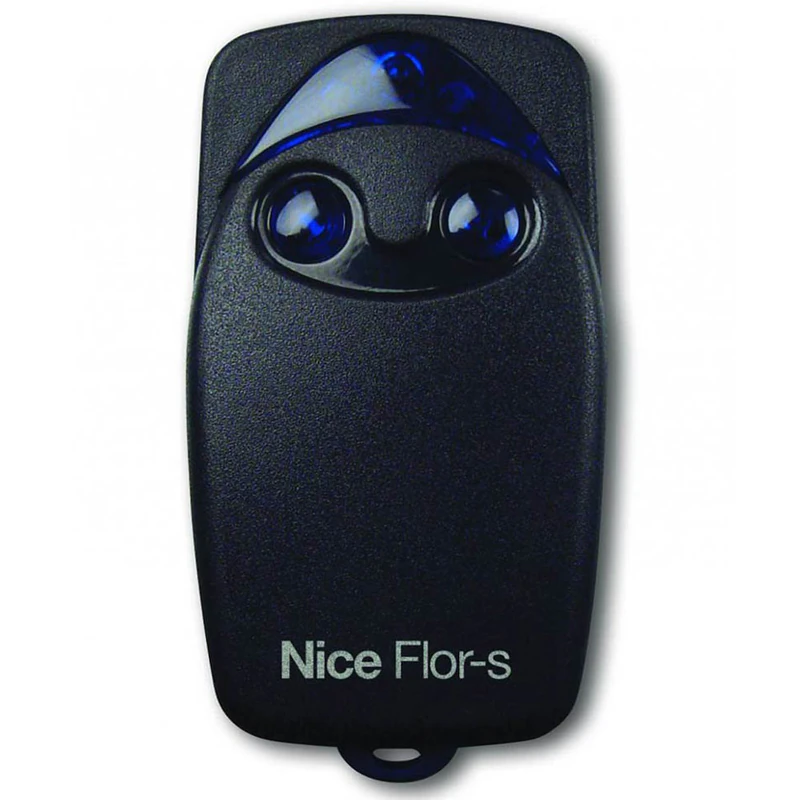
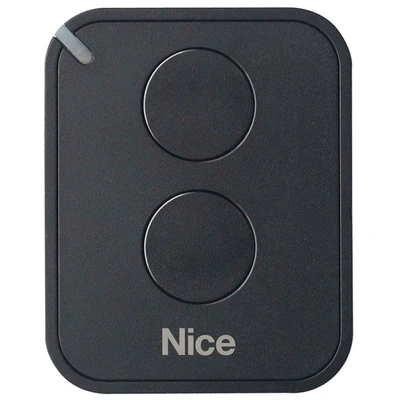
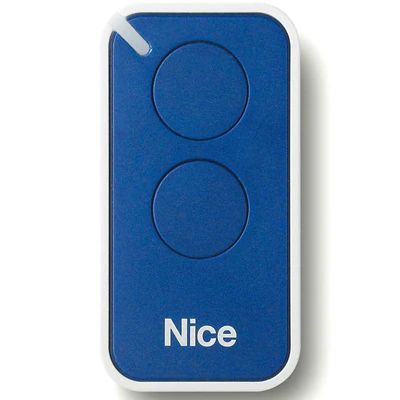
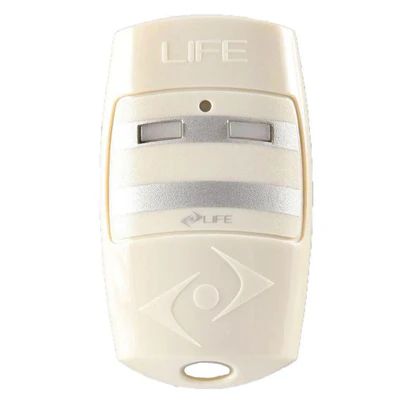
Radio remote control Nice FLO2R-S, 433.92 MHz, 2 channel, rolling code, black is a radio remote control with 2 channels and frequency 433,92 MHz, rolling code encoding for multiple input and integrated transponder technology.
- Nice remote control is ideal for managing systems with multiple users due to unique and personal code: can store up to 1020 codes. It is a universal receiver with modular coupling system, timer and anti-theft function.
Specific general characteristics:
- Rolling code transmission: impossibility of cloning the transmitter;
- O remote transmits signals on frequency 433,92 MHz;
- Sequential coding allows overrun 4.5 million billion combinations;
- Self-learning function.
- Version Flor-sc allows, through the BUPC program, the storage of 100 pieces of whole packages with one operation, without the need for them to be unpacked.
- Dynamic code transmission (rolling code): absolute safety, transmitter being impossible to clone.
- Low energy consumption for increased autonomy.
- Battery signaling downloaded through Led.
- The Flor-s system includes:
- Transmitter with 1, 2, 4 channels.
- Receivers universal with 1 or 2 channels, modular universal, with connection or universal exterior IP53 with step-by-step, timer, anti-theft functions.
- Antenna integrated into Lucy's intermittent system or the universal external IP53 receiver, or with the clamp.
Programming remote control Nice FLO2R-S
I. Programming at the automation receiver
1. Open the automation and press the programming button until the LED that is on it starts to light up.
You need to see in the automation manual which is the exact programming button.
2. Press at least 5 seconds the remote control button already programmed until her LED is turned off.
3. Wait 1 second and then press the button again from the new remote control until the LED and its LED from the automation have to blink 3 times.
All right, remote's scheduled.
II. Programming or cloning after an old remote that already works
1. Approach the new remote control to the automation receiver somewhere around a maximum of 5 meters.
2. Press for at least 5 seconds any button you want. The LED will go off and then you can take your finger after the button.
3. Close the remote that is already programmed and press the same button as the first 3 times as follows:
- Press for a second and then leave a second.
- The second time you do the same. Turn on a second and leave a second.
- Third time press a second and then stop pressing at all.
4. Wait 2 seconds then press only 1 second any button from the new remote.
All right, remote's scheduled.