Wireless control button: mounting, programming and useful antennas
A wireless control button opens doors or garage door from a fixed point, without cable through the courtyard or through walls. It works like a remote control caught on the wall. However, it only works fine if it matches the receiver and the radio signal gets clean to automation.
In short: check the frequency and receiver, test from the end place, then fix the button; an external antenna solves the most problems of the radius.
Do you need help choosing?
Tell us what you need and we'll send you the offer on the same working day.
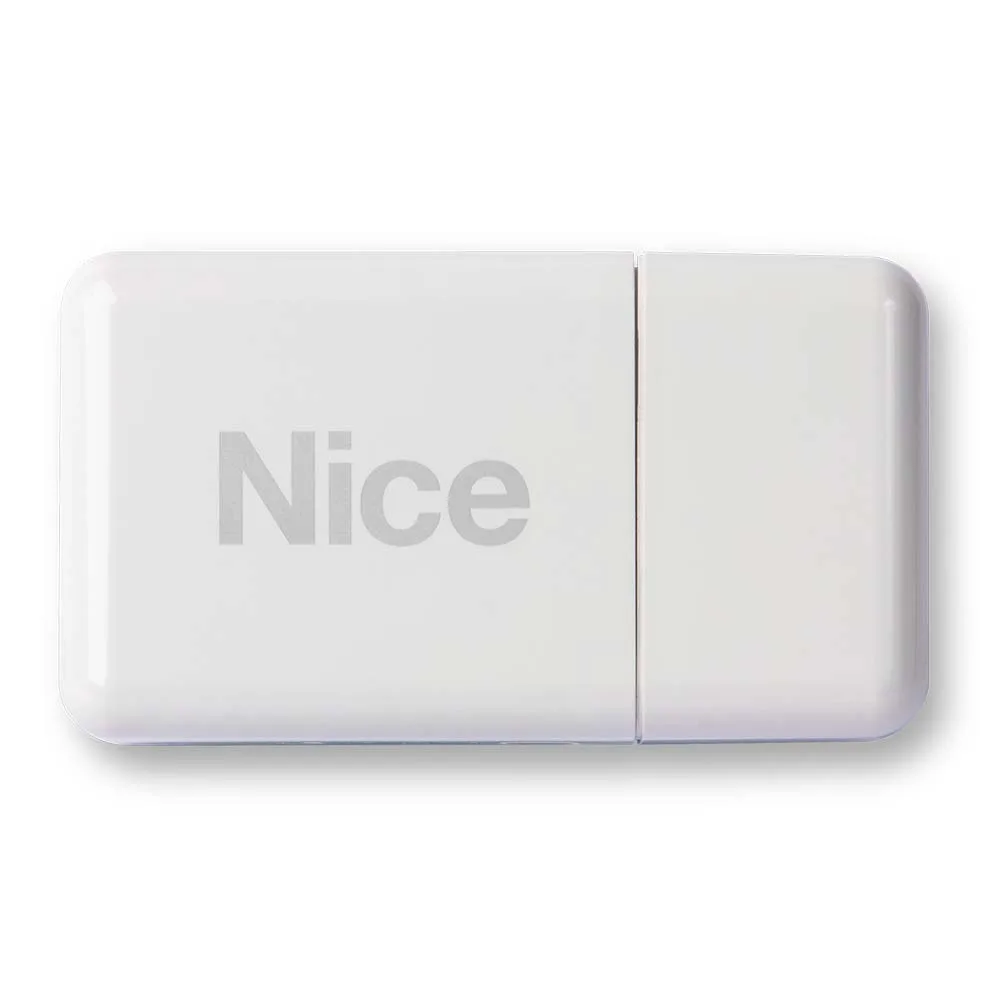
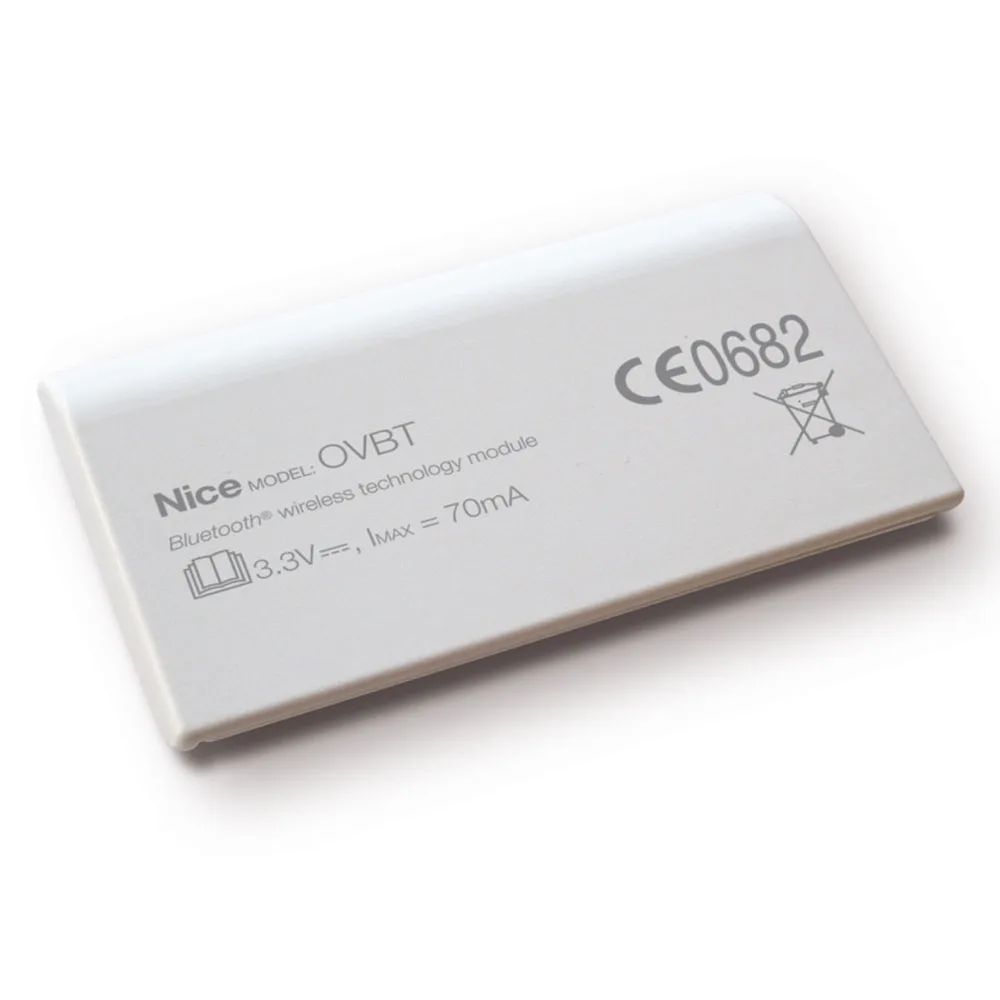
The wireless button greatly shortens the assembly, especially in garages, halls or receptions far away from the painting. The good result depends on three things: compatibility with the receiver, antenna position and a battery changed in time. Always test the order from the final place before fixing. Choose a suitable wireless control button, then complete the installation with antennas, supports and poles for photocells in category Control accessories.
A wireless control button allows you to open doors or door garage from a fixed point, without pulling cable through the yard. You catch him on the wall, and he sends a radio signal to the automation receiver. Therefore, it behaves like a remote control that always stays in the same place.
Category Control accessories Find the button, but also the pieces that help him work properly: external antennas, supports and poles for the photocells. Below we see where you mount it, how you associate it with the receiver, and what you do when the signal doesn't arrive.
What does a wireless command button do
The button contains a small radio transmitter and a battery. When pressed, send a code to the receiver in the control unit. The receiver checks if it recognizes the code and then gives the start pulse. In other words, a wireless control button doesn't need wires to the motor. That's why you can easily move it if you change the layout.
Wireless button or wired button?
The classic button is wired to the control plate. The option with wire does not depend on the battery, but requires a fence or a protective tube. Instead, the wireless button gets caught in a few minutes on any wall. However, it depends on the radio range and battery status.
Where to get a wireless command button
The chosen place decides how often you use it. Here are a few common situations:
- Inside the garage, near the door to the house, for opening the sectional door.
- In the lobby of the house, to open the doors of a guest without going outside.
- Next to a company's reception desk, for car access gates.
- In an annex or a workshop far from the automation board.
So, a wireless control button fits anywhere the cable would require building work. In addition, you can catch it inside, away from rain and foreign access. On the other hand, we do not recommend it outside, at anyone's hands, without a form of protection.
Compatibility: frequency, code and receiver
Before you buy a wireless button, check three things. First, the radio frequency of the wireless button must coincide with the receiver. Many automations work on 433,92 MHz, but there are other frequencies. Then, it matters the type of code, fixed or dynamic. Finally, the receiver must accept issuers from that manufacturer.
For example, Powertech PPB-W1 button needs a receiver compatible with its radio system. If automation uses another system, add a separate receiver in the category radio receivers. Thus, a wireless control button can work alongside an older automation.
How to associate the button with the receiver
The procedure differs from one manufacturer to another. However, the general steps are like this:
- Open the receiver manual and find the learning method.
- Press the programming key on the receiver or the control plate.
- You press the new button until the receiver confirms the code.
- You're testing the order from the final assembly place, not from the painting.
The last step matters a lot. A wireless control button that goes next to the automation box can miss the command through two walls. Therefore, fix the button to the wall only after the test.
The action range and the role of the external antenna
The actual radius decreases due to walls, metal gates and other transmitters in the area. Usually, the solution does not mean another wireless button, but a better positioned antenna. A receiver locked in a metal box, close to the ground, can hardly hear the signal.
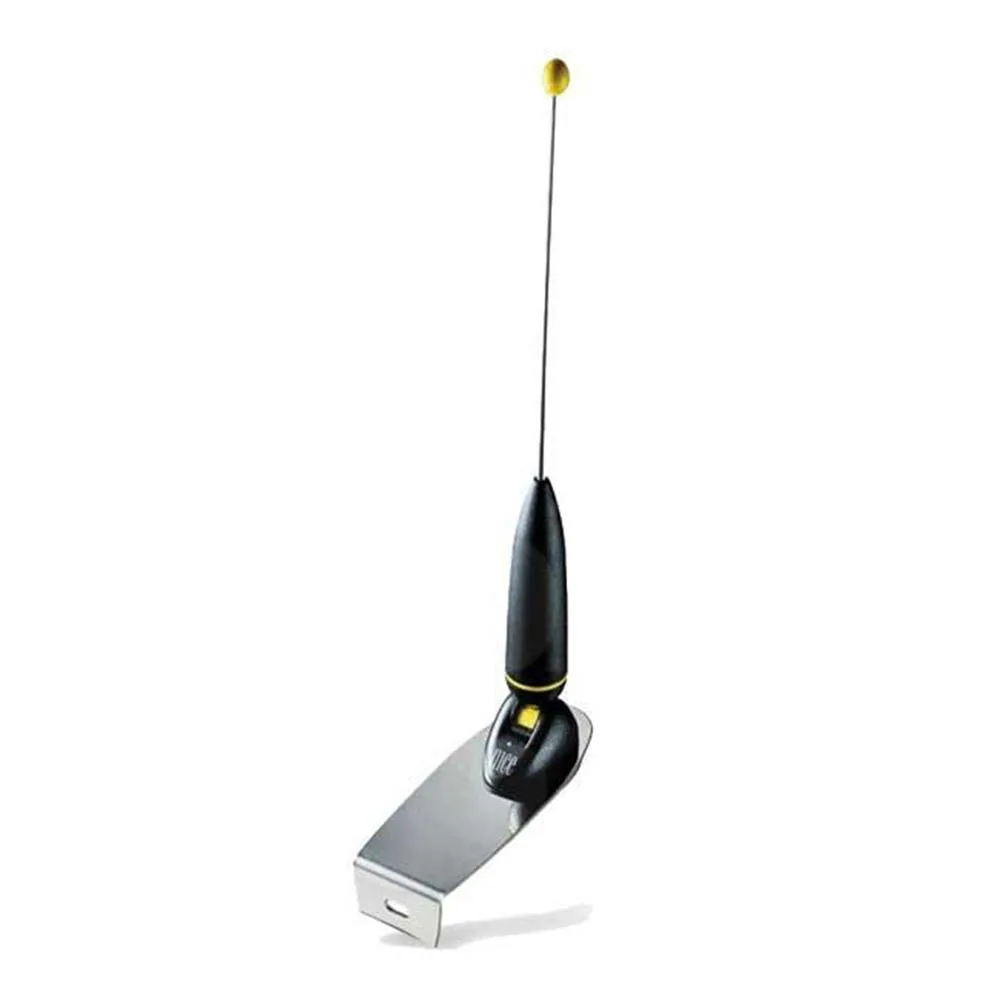
The category contains several external antennas, each with its own specific:
- Motorline MA4 outer antenna Increases reception radius and comes with fixing bracket and cable.
- Model BFT AEL 433 works on 433 MHz and has 4 meters of cable.
- The Beninca AW version works on 433,92 MHz.
- For Life Splendor lamps there is the Life Skanx antenna, with a coaxial cable of 1 metre.
In practice, you mount the antenna as high as possible, usually on the pole of the gate or flashing light. In addition, keep it away from the board and the power cables. So, a wireless control button that's far away from the gate works much safer. Antenna also helps with remote controls in the category remote controls for automation.
Other control accessories of the same category
In addition to buttons and antennas, the category gathers small pieces that make the assembly clean. For example, the Beninca TO.CLIP support catches the TO.GO remote on the car's parasol. The support in the L Quiko QK-BRALUX fastens the QK-LUX24 and QK-LUX24LED lamps to the wall and allows the radio module to be installed inside.
For the photocells there are dedicated pillars. St. Ditec LinCB has 500 mm height and anodised aluminium body for LIN2 or LIN2B photocells. The Ditec LinBS base catches him on the ground. You will also find the FAAC XP20B pillar for the same brand photocells. Not last, the board Nice PIU extend the functions of the control unit. All of this fills in a wireless button in an ordered installation.
Frequent errors in mounting a wireless button
- Fix the button before the reception test.
- Mounting on a metal surface, which screens the signal.
- Choosing a frequency different from that of the receiver.
- Forgetting the battery years in a row.
- The lack of a label that shows which gate controls the button.
Especially in buildings with multiple gates, the label avoids confusion. Also note the memory channel in the manual. So, at a receiver replacement, you quickly redo the programming for each wireless command button.
Safety remains mandatory
A wireless control button starts remote gates, sometimes without direct visibility. Therefore, sensitive photocells and edges must function correctly before any new controls. Safety requirements for gates and automatic doors appear in the standards published by ASRO. For a new installation, the final solution shall be established together with the installer.
Frequently Asked Questions: Wireless Command button
A wireless button goes with any automation?
Nope. The frequency and code must match the receiver. Otherwise, add a compatible receiver.
How far can I mount the button?
It depends on walls, metal and antenna position. Always test a wireless control button from the end place, before fixing.
What do I do when the battery is unloaded?
The command is getting insecure or it's not enough. Therefore, you replace the battery periodically, according to the manufacturer's instructions.
Helps an external antenna and remote controls?
Yeah. The antenna holds the receiver, so it improves the reception for all its transmitters.
Choose a wireless control button and the right accessories from Control accessories. The Automatizări Store Team helps you check compatibility with your receiver.